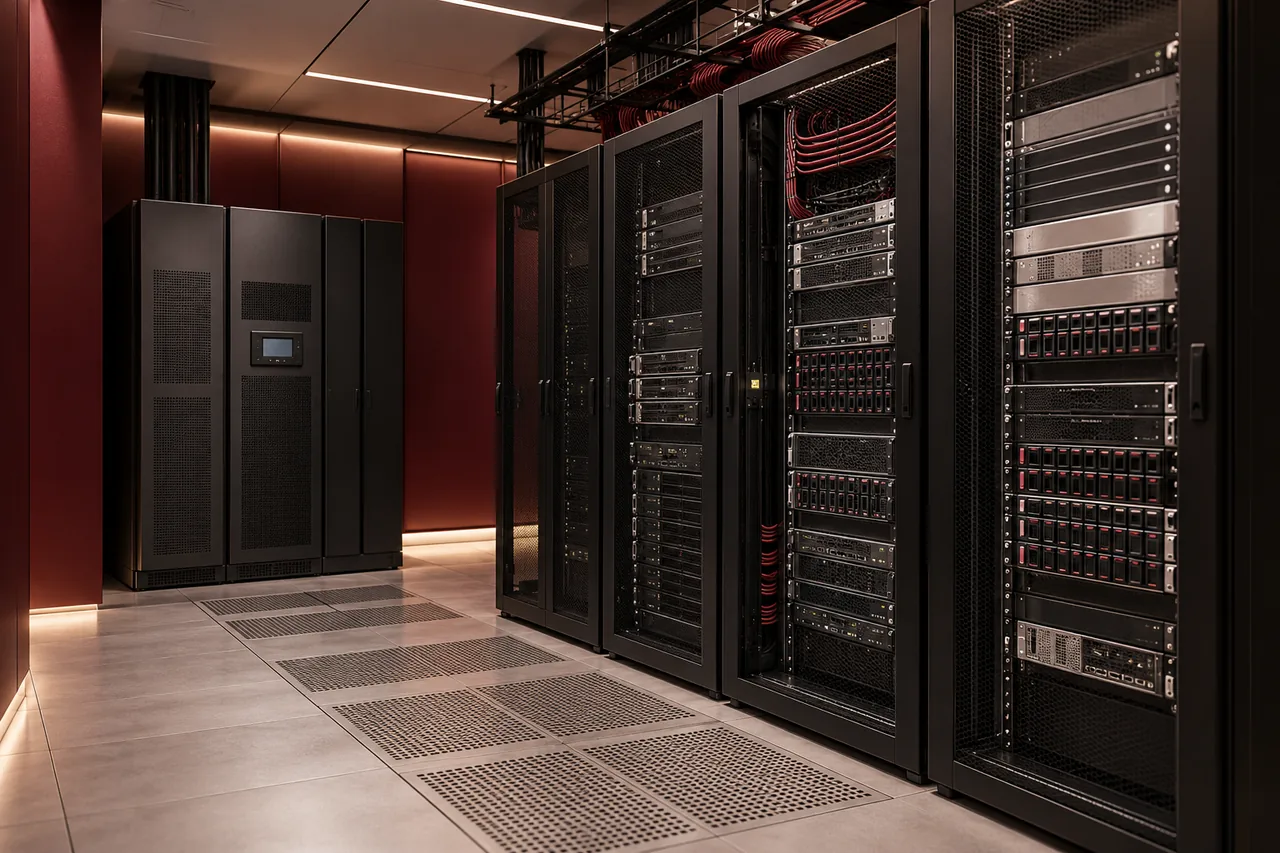
Neither a local server nor cloud is universally better for a small or medium business. The right choice depends on applications, user locations, connectivity, data requirements, administration and acceptable downtime. Some workloads fit a cloud service well, while others benefit from local infrastructure. A hybrid approach can be appropriate when those needs differ.
Start with what the business needs to run, not where a supplier prefers to host it. Email collaboration, engineering files, ERP and a site-specific application may have different dependencies. Evaluate them individually, then plan how accounts, access and backups will work across the complete environment.
Understand what you are comparing
A local server is equipment your business operates at its site or another chosen facility. Cloud can mean a hosted virtual machine, a managed platform or a software subscription. Those models provide different responsibilities and capabilities. Comparing a physical server with an unspecified “cloud package” can hide important costs and operating tasks.
Define the exact workload and service model before asking for prices. A software-as-a-service application may include application maintenance, while a virtual server still requires operating-system and application administration. Ask who patches, monitors, backs up and restores each layer rather than assuming the cloud provider does everything.
Compare costs over the same period
Local infrastructure can involve hardware, software licenses, installation, backup, power, cooling, support and future replacement. Cloud involves subscriptions or usage charges, storage, networking, backup, administration and migration. Some services may add transfer or other consumption costs. Use the actual proposal and current provider terms rather than assumed market prices.
Compare a consistent period and explain growth assumptions. A small monthly fee may increase as users or stored data grow. A local server that looks economical may need supporting UPS equipment and a protected backup target. Include migration and exit costs so the decision reflects the whole lifecycle, not only the first invoice.
Control and application compatibility
Local equipment can provide direct control over configuration and access, but your business must maintain that control responsibly. Cloud services offer different levels of flexibility. A managed application may restrict custom configuration in exchange for simpler operation. Confirm that business software is supported on the proposed architecture.
Review vendor dependencies before moving ERP, databases or specialized applications. Licensing, integrations, latency and support arrangements can affect the choice. A migration that technically boots the application is not enough: users must be able to complete the workflows that matter, including printing, reporting and connections to other systems.
Connectivity and user experience
Cloud use depends on reliable access to the service. Review internet quality, available bandwidth and the effect of an outage at each office. A local application may continue operating onsite during an internet failure, but remote users and cloud integrations may still be affected. Map those dependencies explicitly.
Businesses with multiple Saudi sites should consider where users work and where data moves. Large engineering files or regular backups can have different demands from email. Test representative workflows instead of judging the architecture solely by a speed test. Where continuity needs justify it, evaluate alternative connectivity and the method for switching during a fault.
Security is shared work in either model
Cloud infrastructure may offer strong platform controls, but customer accounts, permissions and data handling still need administration. Local systems need physical protection, supported software, secure access and monitoring. In both cases, weak administrator credentials or uncontrolled sharing can undermine a technically capable environment.
Review the requirements your organization and customer contracts place on data location, retention and access. Verify applicable obligations with responsible stakeholders rather than treating all Saudi businesses as having identical rules. Our cybersecurity checklist provides operational questions without claiming a particular certification or compliance outcome.
Backup and availability are different
Service availability concerns whether a system is running. Backup concerns recovering data after deletion, corruption or other loss. A resilient platform may replicate an unwanted change just as efficiently as a wanted one. Review retention and restore capabilities for the specific cloud service, and maintain additional protection when requirements call for it.
Local servers also need recovery arrangements beyond redundant disks. Define recovery point and recovery time objectives for each workload, then test restores. The backup and disaster recovery guide explains those terms. Neither a working RAID array nor a healthy cloud status page proves the business can recover its data.
Scalability and administration capacity
Cloud can make resource changes easier, but scaling also changes costs and needs oversight. Local infrastructure has physical capacity limits and may require procurement before expansion. Forecast realistic growth in users, applications and data rather than buying excessive capacity for a hypothetical future.
Consider who will operate the environment. A small company may prefer managed services because it lacks dedicated infrastructure staff. However, subscriptions still need ownership, access reviews and support. For either approach, agree documentation and escalation so the business is not dependent on one person’s undocumented knowledge.
A practical decision process
Create a workload inventory with owners, dependencies, data volumes and recovery needs. Compare supported options, total cost and operating responsibilities. Pilot a representative workflow before committing to a full migration. Identify a cutover method, validation checklist and rollback or recovery plan.
Hybrid architecture should solve a defined problem rather than add complexity without benefit. Keeping a local workload while moving collaboration to Microsoft 365 may be practical, but identity and backup arrangements still need coordination. FusionCore’s server and cloud services can be scoped together for that assessment.
Conclusion: place each workload deliberately
Choose the platform that meets the application, cost, access and recovery needs with responsibilities your team can manage. Avoid assumptions that one model is always cheaper, safer or easier. Send FusionCore your application inventory through Contact to discuss a local, cloud or hybrid plan grounded in business requirements.
Frequently asked questions
A few practical questions.
Can a business use both servers and cloud?
Yes. A hybrid environment can place different workloads where they fit best. Identity, connectivity, backups and responsibility boundaries need to be designed together.
Is cloud automatically more secure?
No. Security depends on the specific service and configuration, account access, data handling and ongoing administration. Local environments also need those controls.
Technical references
Primary-source guidance supporting the technical points in this guide.